Look, the remote work era is not just a trend. It’s transformed the way we think about jobs completely. And when it comes to finding remote jobs, having the right tools can boost your productivity tenfold.
Remote collaboration relies heavily on the right tools that enhance productivity and streamline communication.
What Are the Best Collaboration Tools for Remote Teams?
Effective collaboration tools work together to break down barriers and bring teams closer, even when miles apart.
1. Communication Platforms
Communication is key in any job, especially for remote jobs. Tools like Slack and Microsoft Teams dominate this space.
- Slack offers channels for different projects, direct messaging, and integrations with other apps.
- Microsoft Teams combines chat, video meetings, and collaboration with Office apps all in one place.
Both platforms keep everyone connected without drowning in endless emails. Pick one that fits your team's style.
2. Project Management Tools
Project management tools help organize tasks and keep everyone on the same page.
- Trello is great for visual learners, allowing you to manage tasks on boards.
- Asana provides a more structured approach for managing deadlines and responsibilities.
These tools ensure everyone knows what’s due and when. Consistency is vital, don’t you think?
Which Tools Are Essential for Increased Productivity?
Productivity tools enhance your efficiency and make tracking progress easier, leading to better results in remote work.
1. Time Management Applications
Time can slip away when working from home. Here are two tools that help:
- Toggl tracks your time spent on tasks and provides reports.
- Forest gamifies staying off your phone by growing virtual trees.
Find what keeps you focused. Personal accountability can make a world of difference.
2. Digital Whiteboarding Tools
Brainstorming can be tricky when you're not in the same room. Tools like Miro and MURAL have you covered.
- Miro offers templates for workflows, diagrams, and more.
- MURAL facilitates visuals for brainstorming sessions easily.
Collaboration feels more like face-to-face interaction, which is crucial for creativity.
3. Video Conferencing Software
Face-to-face communication still matters. Video calls remain essential.
- Zoom is widely used and allows large meetings.
- Google Meet integrates well with G Suite, making it simpler if you’re already using those tools.
Make a good impression in your remote interview. Choose a reliable platform to connect with your potential employers.
How Do You Ensure Seamless Remote Work Setup?
A well-organized remote work setup combines tools to make daily tasks smooth, fostering a productive environment.
1. Ergonomic Workspace
Your work environment matters. Invest in:
- A comfortable chair and desks that suit your height
- Good lighting that reduces eye strain
Comfortable surroundings support productivity. Plus, they make work less of a drag.
2. Reliable Internet
You can’t work well if your connection is spotty. Consider these:
- A reliable internet service provider.
- A backup plan, like a mobile hotspot.
Being prepared saves time and stress. Can you imagine dropping out of an important video call?
Comparison Table: Essential Tools Overview
| Tool | Main Feature | Best For |
|---|---|---|
| Slack | Chat and integration | Team communication |
| Asana | Task management | Project deadlines |
| Toggl | Time tracking | Measuring productivity |
| Zoom | Video conferencing | Large meetings or interviews |
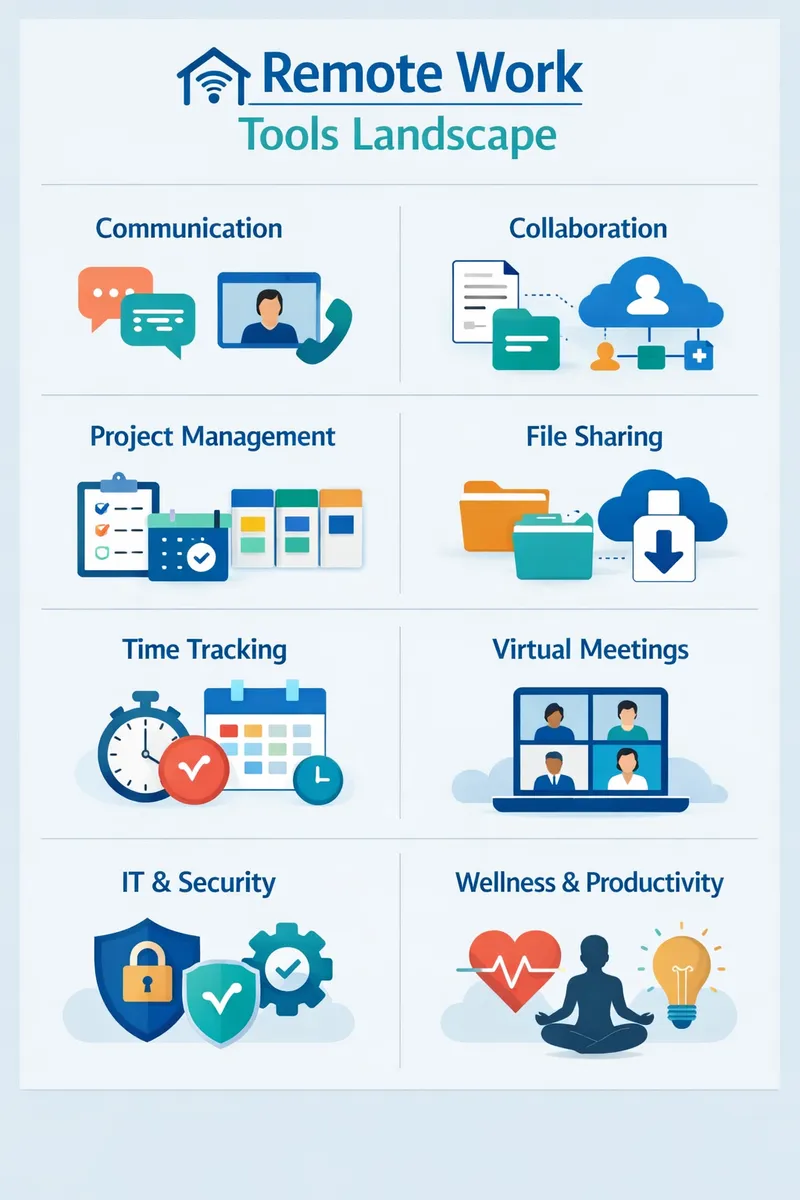
Visual representation of the tools landscape for remote work illustrating the tools mentioned above and their primary functions.
Key Takeaways
- Invest in good communication and project management tools.
- Use time management and productivity apps to stay on track.
- Don’t neglect your workspace; it impacts productivity significantly.
When looking to find remote jobs, remember that you’re not just seeking positions but also the right remote work setup. Find tools that fit your style, and don’t hesitate to adjust them if needed. Make sure to check our tools for building a standout resume when applying for remote jobs.
Truth is, the shift to remote work is significant. Embrace the tools that help you navigate this new reality effectively. You got this. For more information and support, visit OneTwo Resume wherever you need help.
For further resources, check out the Bureau of Labor Statistics for job outlooks and the Indeed Career Guide for resume tips.
Remember, your ability to adapt and find remote jobs will set you apart in the evolving job market.